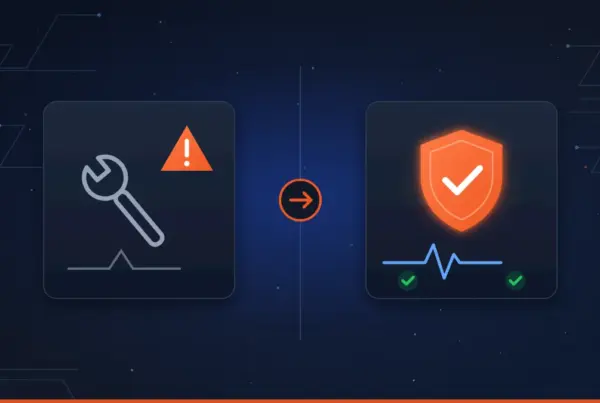
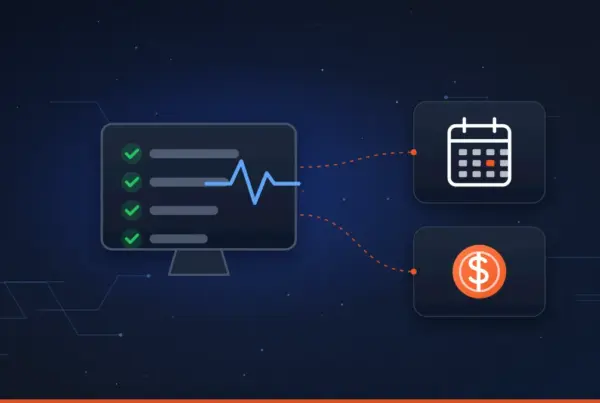
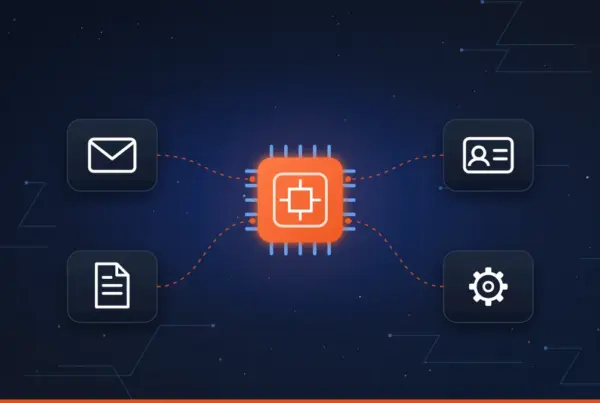
Most business owners do not think about their phone system until it causes a problem: a customer who could not get through, a new hire who cannot be added without a service call, or a bill that keeps climbing for features nobody uses. If any of that sounds familiar, it may be time to look at a replacement.
Here is how to tell when your phone system is holding your business back, what a modern system looks like, and what to check before you switch.
Signs it is time to replace your phone system
- Your system is old, hard to repair, or only one person knows how it works
- Customers reach voicemail, a busy signal, or the wrong person
- Staff working from home or on the road cannot use their business line
- Changing call routing or adding a user requires a service call
- You are paying for phone lines, maintenance, or features you do not need
- You are moving, growing, or adding a location
1. Your system is outdated or hard to support
Many small offices still run on a phone system that was installed ten or fifteen years ago. It may still work, but age brings real risks:
- Replacement parts get hard to find. When a phone or the main control unit fails, a repair can take days instead of hours.
- Nobody knows how to change it. Often the only person who understood the system was the installer, and that company may no longer support it.
- It depends on services that are going away. Phone companies are steadily retiring traditional copper landlines, and federal regulators have made it easier for carriers to do so. Businesses that rely on those lines will eventually have to move anyway, and it is better to plan that move than to be forced into it.
The business risk is simple: if your phones go down, customers cannot reach you, and every hour without phones costs you calls you may never get back.
2. You are missing calls
For most small businesses, a missed call is a missed opportunity. A new customer who reaches voicemail often calls the next company on the list instead of leaving a message.
Older systems usually ring a single line or a fixed group of desk phones. If nobody is at their desk, the call goes to a voicemail box that may not get checked until the end of the day. Modern systems give you more options:
- Ring several people at once, or in order, until someone answers.
- Send calls to a mobile app when someone is away from their desk.
- Send voicemail notifications to email so messages are seen and answered quickly.
- Show which calls were missed and who returned them.
A common scenario
A busy service company has one main number that rings the front desk. During lunch, or when the receptionist is on another call, the phone goes to voicemail. With a modern system, that same call rings the front desk first, then the office manager, then a technician’s mobile app, and only goes to voicemail after hours. Customers reach a person more often, and nobody has to change how they work.
3. Your team does not work at one desk anymore
Hybrid work, field staff, and owners who are always on the move are now normal for small businesses. If your phone system only works at the office, people end up using personal cell phones for business calls. That creates problems:
- Customers get used to calling an employee’s personal number, and that relationship walks out the door when the employee leaves.
- You lose any record of who called whom.
- Staff cannot transfer a call to a coworker or put it on hold the way they can at the office.
With a modern system, your business line goes wherever your people go. They can make and take calls from a desk phone, a computer, or a mobile app, using the company number, with the same features they have at the office.
4. Call routing does not match how you work
Call routing is simply the set of rules that decides where each call goes. When those rules do not fit your business, callers get frustrated and staff get interrupted.
- An automated attendant (“Press 1 for service, 2 for billing”) can send callers to the right person the first time.
- Business hours and holiday schedules can send after-hours calls to voicemail, an answering service, or an on-call phone automatically.
- Call queues hold callers in line with music or messages instead of a busy signal when everyone is on the phone.
- Easy changes. With the right system, adjusting these rules is a quick change, not a service call and a week of waiting.
5. You are paying for things you do not need
Phone bills tend to grow quietly over the years. When we review an older setup, it is common to find:
- Extra phone lines that are no longer used, still billed every month.
- Separate charges for long distance, conference calling, or voicemail.
- A maintenance contract on equipment that is past its useful life.
- Lines kept only for a fax machine or alarm system that could be handled differently.
A modern VoIP system often reduces monthly costs, but the bigger win is usually clarity: you know what you are paying for and why. Savings depend on your current setup, so it is worth having someone review your actual bills before making a decision.
6. You are moving, growing, or adding a location
A move or expansion is the most natural time to replace a phone system. Instead of paying to relocate old equipment and lines, you can set up a system that connects every location, remote staff, and future hires under one phone system. Adding a new employee becomes a matter of minutes, and every office can transfer calls to each other as if they were down the hall.
What a modern VoIP system looks like
VoIP (Voice over Internet Protocol) simply means your calls travel over your internet connection instead of traditional phone lines. For a small business, a modern VoIP system like 3CX typically includes:
- Desk phones, a computer app, and mobile apps for iPhone and Android, all using your business number
- Ring groups, call queues, and an automated attendant
- Voicemail notifications by email and in the apps
- Call recording (on the PRO and AI editions)
- Team chat, plus video meetings on the PRO and AI editions
- Integration with tools you already use, such as Microsoft 365 and many CRM systems, so customer information can appear when a call comes in (full integrations require the PRO or AI edition)
- Your choice of a hosted (cloud) system or one installed on your own equipment
Most businesses can keep their existing phone numbers when they switch. The numbers are moved to the new provider through a process called porting.
For a closer look at 3CX licensing and where the savings usually come from, see how switching to 3CX can save your business money.
What to check before you switch
A new phone system is only as good as the network it runs on. Before switching, make sure these are covered:
- Internet reliability and speed. Calls need a stable connection. Many businesses add a backup internet connection so phones keep working if the main one goes down.
- Your internal network. Network switches and settings should give voice traffic priority so calls do not break up when someone downloads a large file.
- Emergency calling. Federal rules (Kari’s Law and RAY BAUM’S Act) require newer business phone systems to let anyone dial 911 directly, without dialing 9 first, to notify someone when a 911 call is made, and to send a location responders can use. This takes extra planning if you have more than one office or remote staff.
- Special lines. Fax machines, alarm panels, elevator phones, and gate systems may need their own plan.
- Training and cutover timing. A short training session and a planned switchover date keep the change from disrupting customers.
A common scenario
A business switches to a new phone system on its own, but its office network was never set up for voice. Calls sound choppy every afternoon when backups run and staff are on video calls. The phone system gets the blame, but the fix is in the network. Planning the phones and the network together avoids that frustration from day one.
Where SnapTechs can help
Wondering whether your phone system is costing you calls or money? SnapTechs helps small businesses plan, install, and support modern business phone systems that fit the way they work.
As a 3CX Gold Partner, we set up and support 3CX phone systems for businesses across Lancaster, Berks, and Schuylkill County. Because we also manage networks and IT, we look at the whole picture:
- A review of your current phone system, lines, and bills
- A 3CX system designed around your call flow and team
- Number porting and a planned cutover with minimal disruption
- Network and internet checks so call quality stays clear
- Training, changes, and ongoing local support after go-live
Get a Free Consultation See What We Do
Already a SnapTechs client? Submit a support request to ask about a phone system review.
Need IT Support Without the Runaround?
Whether you need managed IT, Microsoft 365 help, business phones, backups, cybersecurity, networking, or a second opinion, SnapTechs gives you straightforward guidance and dependable support.

Practical IT support, Microsoft 365, business phones, cybersecurity, and managed services for small businesses.
© 2026 SnapTechs. All rights reserved.
Contact
Lititz, PA 17543
Ephrata, PA 17522
Quick Links